So you’ve decided to purchase Digital Asset Management (DAM)software. Congratulations. Implementing a DAMis an important step toward improving content operations, brand consistency and team efficiency. Once your DAM platform has been selected, the next priority is deploying it in a way that is fast, well structured and sets your team up for long term success. A strong DAM rollout focuses equally on planning, governance, metadata foundations, configuration, user training and continuous optimization.
How a DAM is implemented can vary depending on the current state of your digital content ecosystem. Teams often face challenges such as:
- Assets stored across multiple systems or locations
- Duplicate or outdated files
- Gaps in metadata or inconsistent file naming and tagging
- Multiple stakeholder groups with different workflows
- The need for integrations with creative, web or marketing tools
These variables shape how complex your implementation will be, but they do not need to slow you down. IntelligenceBank uses a proven, repeatable methodology that brings structure and clarity to each part of the rollout. This includes:
- Early alignment on objectives, timelines and governance
- Metadata (information about content) and taxonomy (how content is organized)
- Technical configuration and user permissions
- Phased migration of assets and metadata
- Workflow design and automation
- Training programs that support adoption
- Ongoing optimization after launch
If your assets and metadata are prepared, the timeline can move quickly. The sections below outline a typical DAM software rollout and include practical tips to help your team get value from the system as early as possible.
PHASE 1: Discovery & Planning (Week 1)
Discovery and planning is the foundation of a successful DAM implementation. This phase aligns teams on goals, clarifies workflows and ensures everyone understands how the platform will support the business. By defining your objectives early and bringing the right stakeholders together, you build a strong base for the technical setup and migration that follow.
This stage is also where you identify how assets currently move through your organization, what is working, where the gaps are and which areas will benefit most from process improvements. A clear plan from the start helps minimize delays, reduce rework and ensure that your DAM rollout meets business expectations.
Key objectives in this phase
- Define project timelines, milestones and success metrics
- Align core teams such as Marketing Operations, Brand, Creative, IT and Legal
- Identify external agencies or partners who will need access
- Confirm scope, including regions, business units and asset types
Activities typically completed
- Stakeholder workshops to map key use cases and the asset lifecycle
- Audit of current systems, shared drives and repositories
- Identification of third-party tools needing integration such as CMS, Canva or Adobe
- Review of governance requirements including naming conventions, metadata standards, taxonomy structure and brand restrictions
Deliverables from this phase
- Confirmed project timeline and rollout schedule
- Governance plan outlining naming, metadata and taxonomy rules
- Change management strategy for communication and onboarding
- Brand Builder or DAM deployment plan document
Common questions
Q. How much emphasis should be placed on the discovery phase?
A. This is the most significant phase of the roll out, so it is important to spend time nailing this phase to ensure all teams understand the goals, processes and expectations before any technical configuration begins. This alignment reduces roadblocks later.
Q. Who should be involved in this phase?
A. Marketing, Creative, Brand, IT, Legal, external agencies and any team that will upload, review or distribute assets.
Phase 2 focuses on configuring the DAM so it reflects your organization’s structure, workflows and brand. The table below outlines each key setup area and what is completed in this phase.
PHASE 2: Platform Setup & Technical Configuration (Week 2-3)
This is the point at which your DAM is configured to match your organization’s structure, brand and workflows. That includes setting up permissions, defining metadata and taxonomy, applying branding and preparing intake processes. A clear setup ensures the system is easy to use, supports accurate search and provides a strong foundation for the migration and workflows that follow.
Platform Setup Overview
| Configuration Area | What Happens | Why it Matters |
|---|---|---|
| 1. Platform Administration and Permissions |
|
|
| 2. Metadata and Taxonomy Setup |
|
|
| 3. Branding and Welcome Page |
|
|
| 4. Brand Guideline Pages or Micro Portals | Micro portal or full BrandHub setup including:
|
|
| 5. Photographer or Contributor Intake Forms |
|
|
Common questions
Q. How long does platform configuration usually take?
A. Most organisations complete the platform configuration phase in two to three weeks, and this timeline reflects the question of how long it typically takes to set up the DAM. The exact duration depends on the complexity of your metadata, taxonomy and integration needs. Teams with well structured content and straightforward governance models often move faster, while those introducing new standards may take a little longer. Your implementation manager will guide you through each step to ensure the setup is thorough and aligned with best practices.
Q. Can we customise the DAM user interface?
A. Yes, you can customise the DAM user interface, and this directly answers the question about how flexible the platform branding can be. Logos, colours, welcome pages and navigation elements can all be aligned to your brand identity. This helps create a familiar environment for users and reinforces brand consistency from the moment they log in. Customisation also supports smoother onboarding because teams can navigate more intuitively when the DAM reflects your organisation’s visual language.
Q. What if our metadata is not ready?
A.If your metadata is not ready, you are not alone, and this addresses the question of what happens when teams lack structure at the start. Your implementation manager will help you develop a simplified metadata schema, controlled vocabularies and tagging rules that provide a strong foundation. This staged approach keeps the project moving while ensuring you do not carry inconsistencies into the new system. You can always refine your metadata model over time as your teams gain confidence and your asset library grows.
PHASE 3: Content Migration & Integration (Week 3-4)
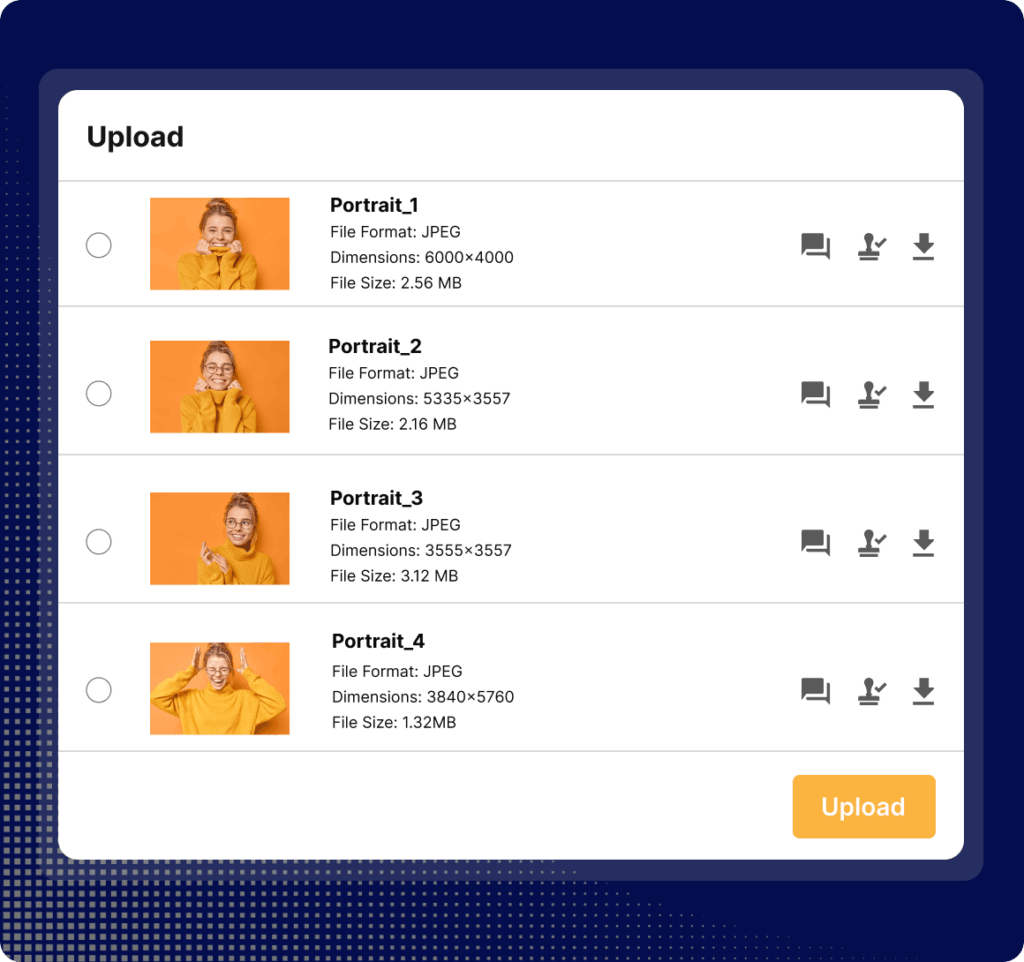
Phase 3 focuses on moving assets into the DAM and connecting the platform to the tools your teams already use. The goal is to ensure high value content enters the system cleanly, consistently and with accurate metadata, while enabling seamless access from other applications such as your CMS or design platforms.
Migration and Integration Overview
| Focus Area | What Happens | Why it Matters |
|---|---|---|
| 1. Data Migration |
|
|
| 2. Integrations (CMS, Creative, Marketing and Other Tools) |
|
|
| 3. Metadata Validation |
|
|
| 4. Phased Production Migration |
|
|
Common questions
Q. How do we decide which assets to migrate first?
A. Deciding which assets to migrate first starts with understanding which files bring the most immediate value once added to the DAM. Prioritise assets that are in use, brand critical or legally required, since these are the files teams rely on daily. Focusing on high value content helps demonstrate quick wins and gives users confidence in the new system. Your implementation manager can also help you identify which asset groups will benefit most from early cleanup and improved metadata.
Q. Should we migrate everything at once?
A. Generally no, you should not migrate everything at once. A full ‘lift and shift’ is not traditionally recommended. A phased migration prevents clutter, protects metadata quality and makes the transition easier for users. Importing content in stages also gives you time to refine your taxonomy, test search performance and ensure each batch of assets enters the DAM cleanly. This approach leads to stronger long term adoption.
Q. What if our metadata is inconsistent?
A. If your metadata is inconsistent, migration is the ideal time to cleanse and standardise it, which addresses the concern about entering the DAM with messy or unreliable tags. Most teams discover gaps once they begin preparing assets, and that is completely normal. Your implementation manager will guide you through creating clear rules, controlled vocabularies and tagging best practices so you start with a strong foundation. Metadata can also evolve over time as your library grows and your use cases become more sophisticated.
PHASE 4: Workflow Automation (Week 5-6)
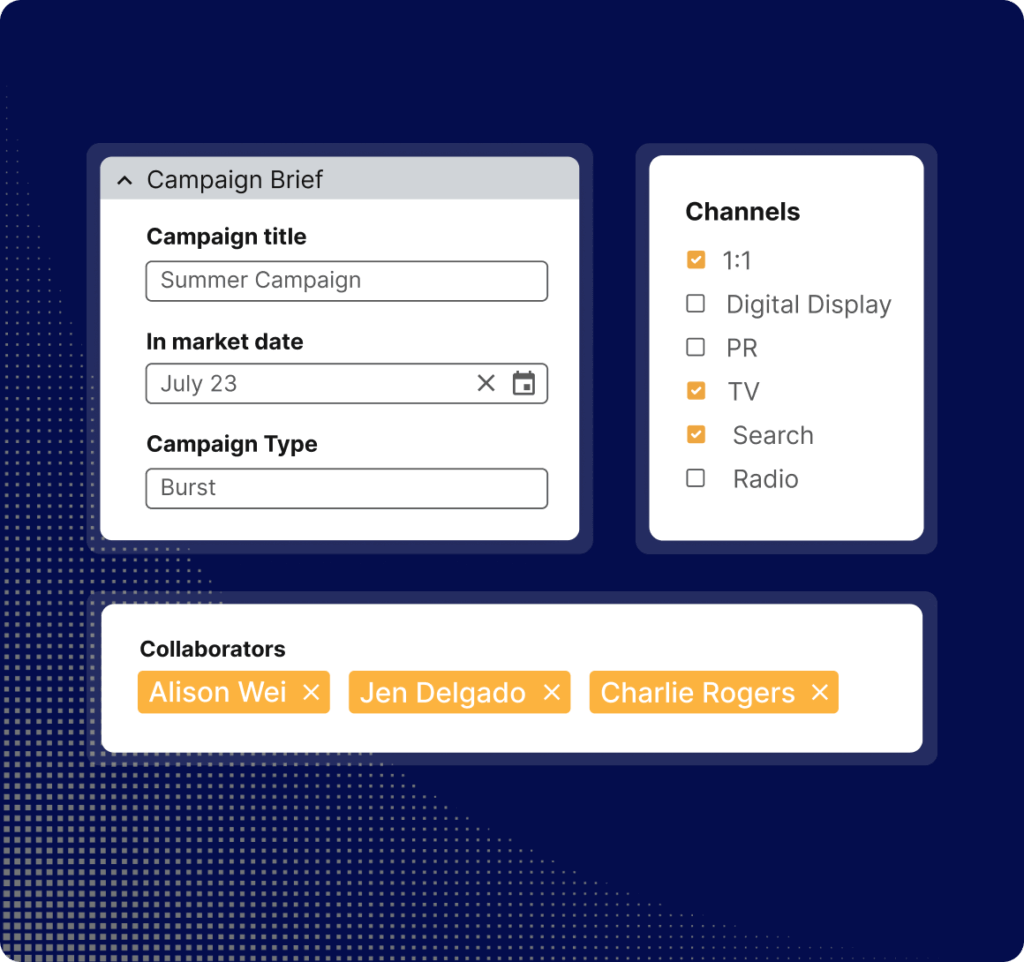
This next step is dedicated to streamlining how content moves through your organization. It’s where the DAM begins to automate approvals, support compliance reviews and enable scalable content production. Automated workflows reduce bottlenecks, shorten turnaround times and ensure branding and legal requirements are consistently met.
Workflow Automation Overview
| Focus Area | What Happens | Why it Matters |
|---|---|---|
| 1. Approval Workflows |
|
|
| 2. AI Content Risk Reviews (If Enabled) |
|
|
| 3. Creative Templates (If Enabled) |
|
|
Common questions
Q. Do all teams need workflows from day one?
A. No, not all teams need workflows from day one. Most organisations begin with a few core workflows such as briefing, project management or brand reviews, then expand to creative templates and AI powered legal checks as adoption grows. Starting small helps teams get comfortable with the system and reduces the risk of over engineering the setup early. You can continue to layer in more sophisticated workflows as your needs mature.
Q. How long does it take to set up AI content checks?
A. The time required to set up AI content checks varies when it comes to how quickly these capabilities can be implemented. AI rules need to be configured carefully and tested against real examples to ensure accuracy and reduce false positives. Some organisations roll out a small set of rules initially, such as disclaimers or brand tone checks and expand once they see strong results. Your implementation manager will help you determine the right starting point based on your compliance requirements.
Q. Do templates replace creative teams?
A. Templates do not replace creative teams. This is a common question around whether automation removes the need for design expertise. Templates support scale, consistency and self service content creation, but creative teams remain essential for concept development, design direction and complex asset production. Templates simply free designers from repetitive resizing and adaptation tasks, allowing them to focus on the high value creative work that moves campaigns forward.

PHASE 5: Enablement & Training (Week 7-8)
Phase 5 focuses on preparing users to work confidently in the DAM. This stage includes training, tutorials, onboarding resources and early user engagement programs. Strong enablement increases adoption, reduces support requests and helps teams understand how the DAM improves their day to day work.
Enablement and Training Overview
| Focus Area | What Happens | Why it Matters |
|---|---|---|
| 1. Online Tutorials and Onboarding |
|
|
| 2. Champions Program |
|
|
Common questions
Q. Why are role based learning paths important?
A. Role based learning paths are important because different users interact with the DAM in different ways. This is why training must be tailored. Creatives, marketers, brand managers and administrators each use different features and workflows. Tailoring the learning experience ensures every group is taught the skills that matter most to their day to day work. This approach speeds up adoption, reduces confusion and helps users feel confident from the start.
Q. What makes a good DAM champion?
A. A good DAM champion is someone who understands the value of the platform, enjoys helping others and can confidently answer the question of how to support adoption across teams. Champions are typically early adopters who are curious, proactive and enthusiastic about improving workflows. They provide feedback, help peers troubleshoot and act as a bridge between users and the implementation team. With the right champions in place, new users feel supported and adoption happens more naturally.
Q. Should training be ongoing?
A. Yes, training should be ongoing. A single set of onboarding sessions is enough. New users join over time, new features are released and workflows evolve as your organisation grows. Continuous learning ensures teams always understand how to use the DAM effectively and helps maintain high adoption over the long term. Regular refreshers, tutorials and updates also reinforce best practices and keep knowledge consistent across departments.
PHASE 6: Initial Launch & Hypercare (Week 9-10)
Now it’s time to release the DAM to users in a controlled and supportive way. This stage includes a small scale launch, early monitoring, issue resolution and finally a full company wide rollout. Effective hypercare ensures users feel supported, questions are answered quickly and the system performs as expected.
Initial Launch and Hypercare Overview
| Focus Area | What Happens | Why it Matters |
|---|---|---|
| 1. Controlled Launch |
|
|
| 2. Full Launch |
|
|
Common questions
Q. Why start with a controlled launch?
A. Starting with a controlled launch is important because it allows you to validate the setup, metadata, permissions and workflows before the system goes live for all users. A smaller group helps you identify issues early, gather focused feedback and refine the user experience without disrupting the wider organisation. It also builds a group of confident early adopters who can support others during the full launch.
Q. What should a launch toolkit include?
A. The types of things a launch toolkit should include are short guides, navigation tips, training links, FAQs and clear instructions on where to get help. This toolkit serves as a central reference for new users and reduces the number of support queries in the first few weeks. It should also highlight key features, upload rules and where to find brand or technical guidelines. The more practical and user friendly the toolkit is, the smoother the launch will be.
Q. How long does hypercare usually last?
A. Hypercare usually lasts two to three weeks. During this period, teams receive additional guidance, faster issue resolution and closer monitoring to ensure the DAM is working as expected. The length of hypercare may extend slightly for larger organisations or complex workflows, but the goal remains the same. Users should feel supported and confident as they begin using the system independently.
PHASE 7: Post-Launch Support & Optimization (Months 1–6)
Phase 7 is all about how to support users after launch, resolving issues quickly and monitoring system health. This period is where teams build confidence, refine processes and start to rely on the DAM for day to day work. Ongoing analysis ensures the platform continues to perform well and evolves with your organization’s needs.
Post Launch Support and Optimization Overview
| Focus Area | What Happens | Why it Matters |
|---|---|---|
| 1. Hypercare Support |
|
|
| 2. Usage Analytics and Health Monitoring |
|
|
Common questions
Q. What should we look for during early usage monitoring?
A. During early usage monitoring, you should look for search failures, repeated user errors, upload issues and any workflow steps that create confusion. These early indicators help highlight areas where training may be needed or where metadata or permissions require refinement. By spotting patterns quickly, you can make targeted improvements that strengthen adoption and user confidence.
Q. How often should analytics be reviewed?
A. Analytics should be reviewed monthly during the early months. This cadence gives you enough data to spot trends in search behaviour, download activity or workflow usage without overwhelming teams with too much reporting. Over time, deeper quarterly reviews can provide insights into long term effectiveness, metadata quality and content performance. Regular analysis ensures the DAM continues to evolve with your organisation.
Q. What if we see low adoption in certain teams?
A. If you see low adoption in certain teams, additional training, targeted communications or simplified workflows can help resolve the issue. Sometimes adoption challenges stem from unclear processes, unfamiliar interfaces or lack of awareness about key features. Working with team leads to identify barriers, demonstrate value and refine the user experience can quickly improve uptake. The goal is to make the DAM feel intuitive and essential for each user group.
PHASE 8: User Survey & Strategic Deep Dive (End of Month 6)
A step that is sometimes overlooked, Phase 8 focuses on evaluating the long term impact of your DAM implementation. After several months of usage, your teams will have enough experience to provide meaningful feedback on what is working well, where improvements are needed and how the DAM can continue to evolve. This phase combines user sentiment, usage data and stakeholder insights to guide your next round of enhancements.
User Survey and Strategic Review Overview
| Focus Area | What Happens | Why it Matters |
|---|---|---|
| 1. User Satisfaction Survey |
|
|
| 2. Data Driven Usage Review |
|
|
Common questions
Q. How often should user surveys be conducted?
A. User surveys should typically be conducted twice per year in order to collect regular feedback. Larger organisations or teams experiencing rapid growth may choose to run surveys quarterly to keep closer track of adoption and satisfaction. Regular surveys help you identify emerging pain points, training needs and opportunities for optimisation. They also give users a voice in shaping the DAM as it evolves.
Q. What should we do with underused or outdated assets?
A. Underused or outdated assets should be archived or retired to keep search results clean. Maintaining a tidy, well governed library helps users trust that what they find in the DAM is relevant and approved. Regular content audits also reveal patterns that can inform future creative production and prevent clutter from building up over time. A clean library drives better adoption and stronger search performance.
Q. How do we improve search failures discovered in this phase?
A. To improve search failures discovered during this phase, update metadata, refine controlled vocabularies or adjust folder structures based on what the data review reveals. Many early issues stem from inconsistent tags or missing descriptors rather than system limitations. By tuning metadata and structure, you help users find assets faster and strengthen trust in the DAM. Continuous refinement is part of maintaining a healthy, scalable library.
Best Practices to Ensure Successful DAM Implementation
These best practices support long term DAM adoption and help teams get value from the platform from day one. They are practical guidelines based on hundreds of implementations and are especially useful for organizations with large content libraries or complex workflows.
Best Practices Overview
| Best Practice | What it Means | Why it Matters |
|---|---|---|
| Start small and prioritize | Migrate only active and high value assets first. Bring archived or low priority files in later. | Prevents clutter, improves search quality and keeps the rollout manageable. |
| Invest in metadata and taxonomy early | Define naming conventions, tags, folder structures and controlled vocabularies before migration. | Strong metadata leads to accurate search results and higher adoption. |
| Communicate often | Make the DAM central to brand and campaign work. Reinforce that assets should live in the DAM, not in personal folders. | Keeps teams aligned and encourages consistent usage. |
| Involve end users early | Bring creatives, marketers, agencies or regional teams into testing and feedback sessions. | Improves adoption and ensures the DAM reflects real workflows. |
| Treat your DAM as a product | Continue refining metadata, workflows, training and integrations over time. | Supports long term success and ensures the DAM stays relevant as needs evolve. |
Want a smooth DAM rollout? Speak with our team to learn how IntelligenceBank supports every step of implementation.