
Marketing Resource Management Software for Busy Marketing Teams
Escape the chaos of spreadsheets, emails and shared drives. Plan campaigns, manage requests, balance team workload and see where every job stands, all in one AI-powered platform connected to your approved content.

Trusted by Marketing and Compliance teams worldwide


How Marketing Resource Management Cuts Admin
Medibank manages briefs, approvals and inbound marketing requests for more than 200 marketing and brand users in one platform. A central marketing inbox and standard processes have replaced manual email chains, so the team spends less time on admin and more time on campaigns.
Read the Medibank Story →
30%
reduction in admin
More than 200
marketing and brand users
1
home for all marketing content
What Is Marketing Resource Management Software?
Marketing resource management (MRM) software helps marketing teams plan, resource, approve and track their work in one place. It brings together campaign planning, intake and requests, task and workload management, approvals and reporting, so leaders can see what’s being produced, who’s working on it and where it’s stuck.
| Marketing resource management | Marketing workflow software | Project management tools | |
|---|---|---|---|
| Main focus | Planning, approvals capacity and visibility across marketing | Moving content from brief to approval | Tracking tasks and deadlines |
| Typical users | Marketing leaders, compliance teams and operations teams | Creative, brand and compliance teams | Any team |
| Key features | Briefing, proofing and approvals, AI content risk detection, calendars and advanced trend reporting | Briefs, proofing and approval routing | Task lists, boards and timelines |
| Connection to assets | Links briefs to approved content in the DAM | Sends approved content to the DAM | Usually needs a separate asset system |
IntelligenceBank covers all three in one platform. See marketing workflow software for more on briefs, proofing and approvals.
Marketing Resource Management Software Features

Manage Every Brief and Marketing Request Through One Front Door
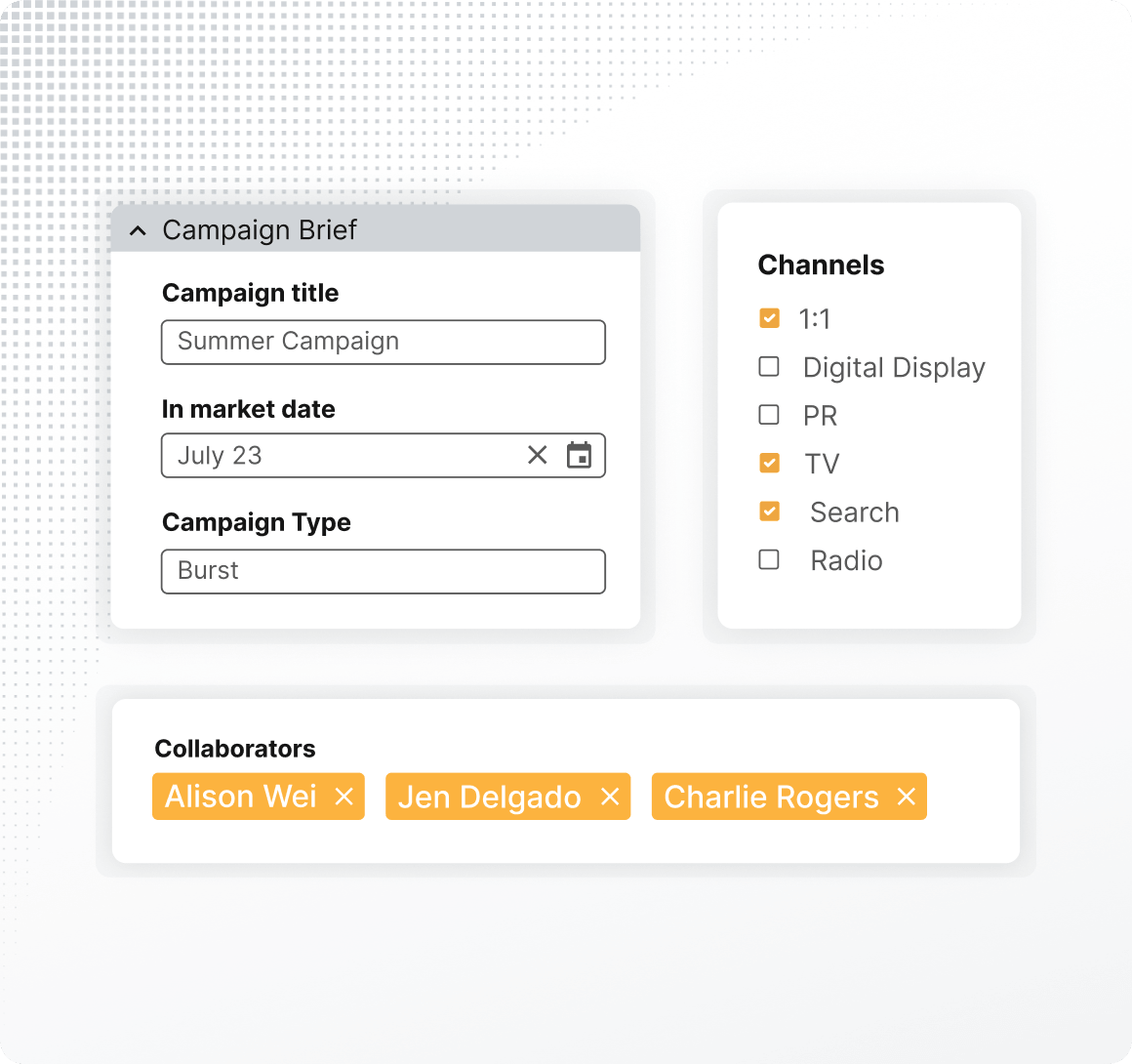
Replace email requests with a central marketing inbox and custom briefs and intake forms. Every request arrives with the information your team needs, including brand, budget and legal sign-off where required, and you can prioritize by urgency before work starts.
Balance Workload Across Your Team
See team capacity at a glance and reassign tasks when someone is overloaded. Marketing leaders can spot pressure points before deadlines slip.


Plan Campaigns in One Shared Calendar
See every campaign, launch and deliverable in one marketing calendar. Teams can view individual tasks alongside major campaigns, so priorities and deadlines are clear to everyone.
Track Every Job on Kanban Boards
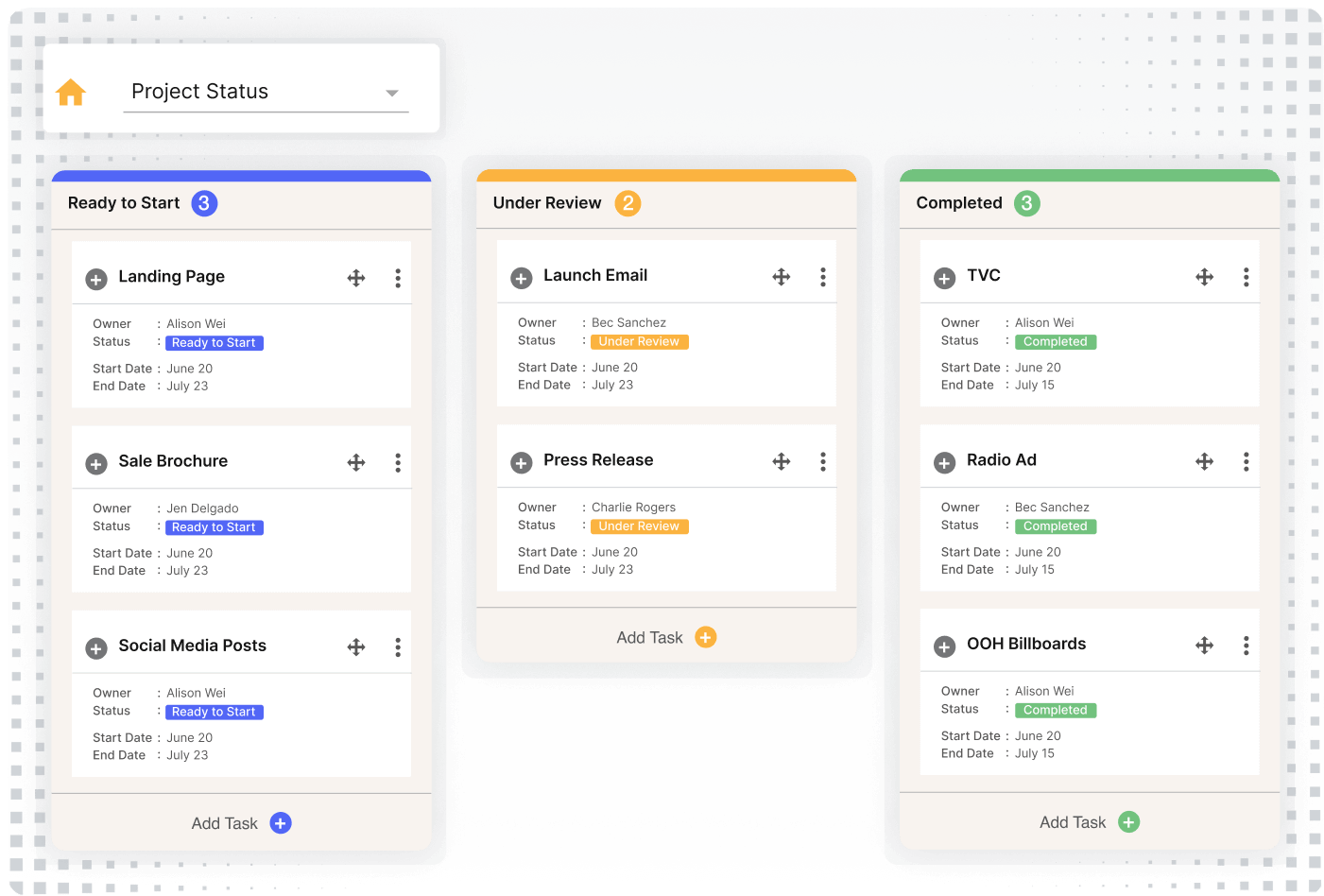
Follow every piece of work on customizable Kanban boards, calendars and card views, with clear ownership of each task and where it stands. Link each project to its brief and creative assets, so everything stays connected from request to sign-off.


Collaborate and Approve Creative in Real Time
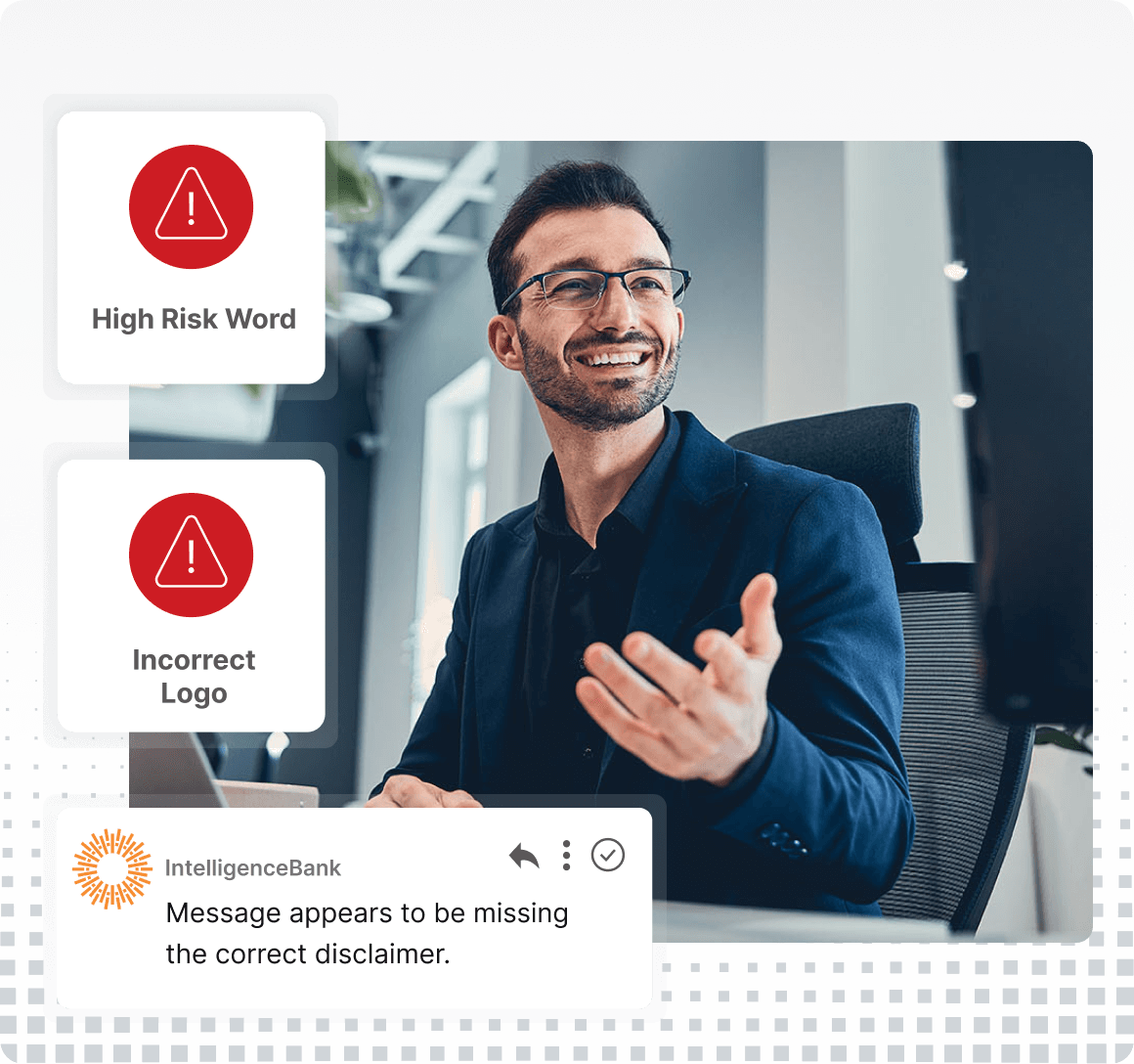
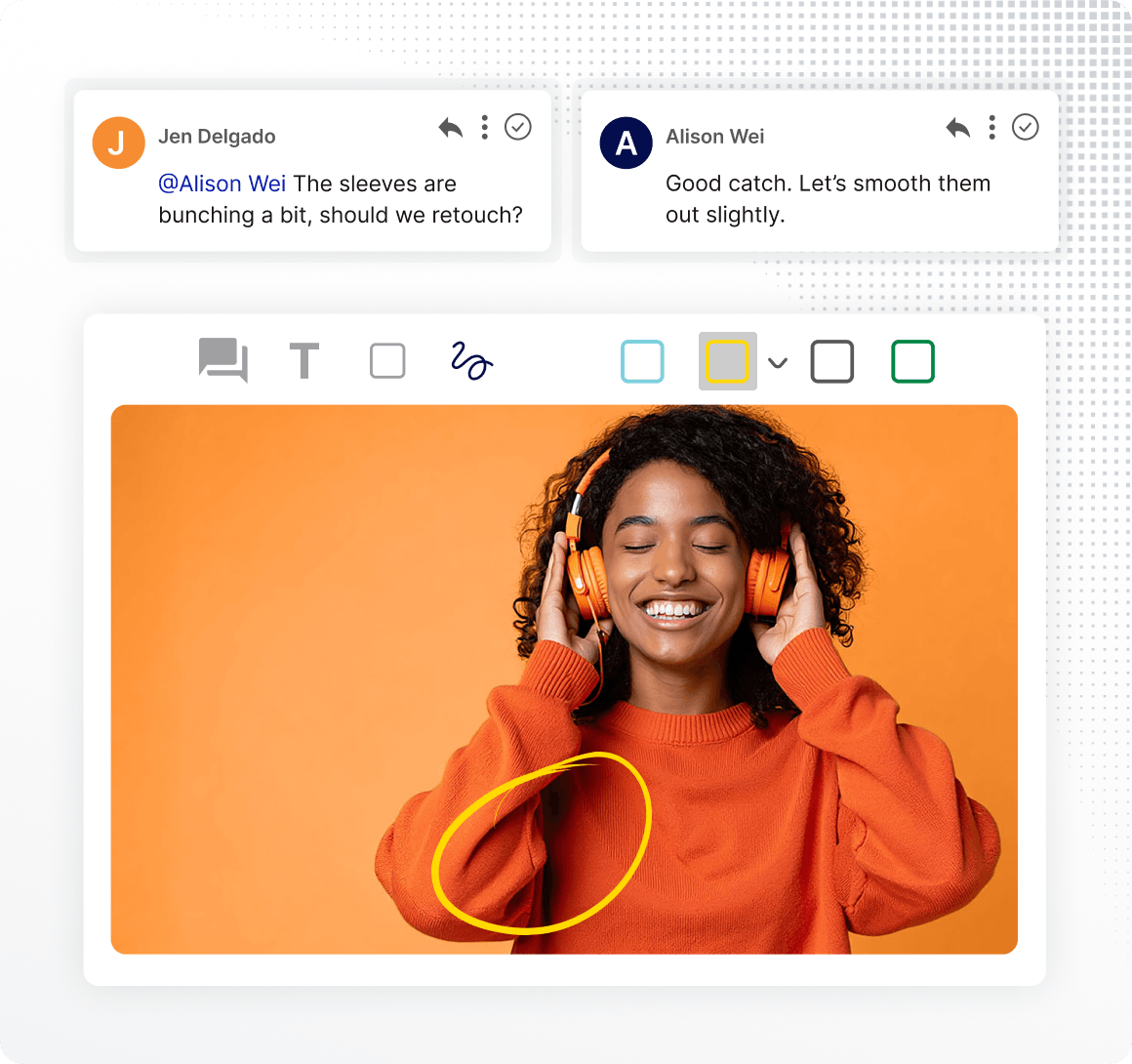
Comment and mark up directly on creative assets, and compare version drafts side by side to see exactly what’s changed. Every round of feedback stays in one record instead of long email chains. Leverage AI content risk reviews to automatically check content based on brand, legal and regulatory rules tailored to your business.
Route Work for Review and Approval
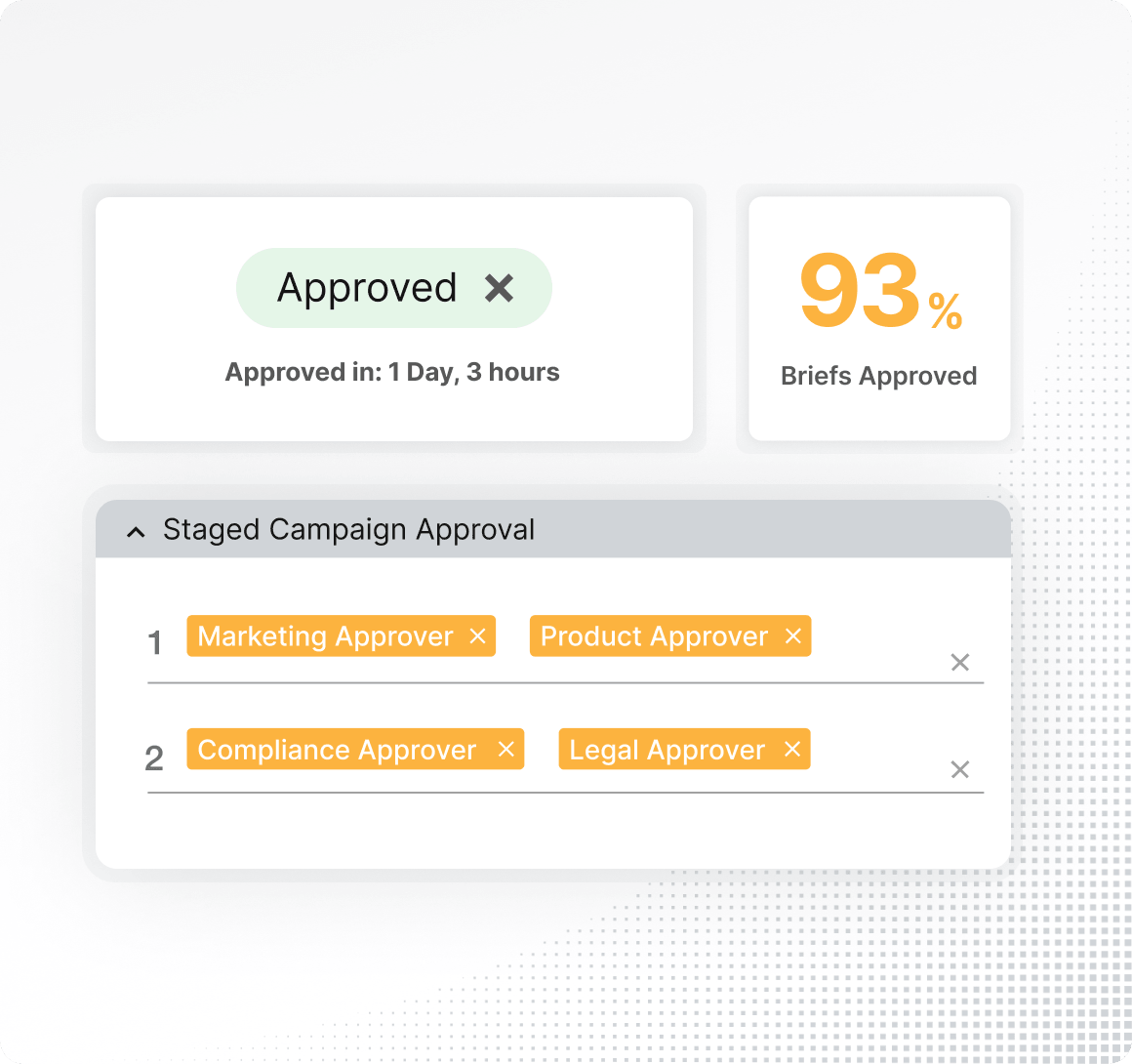
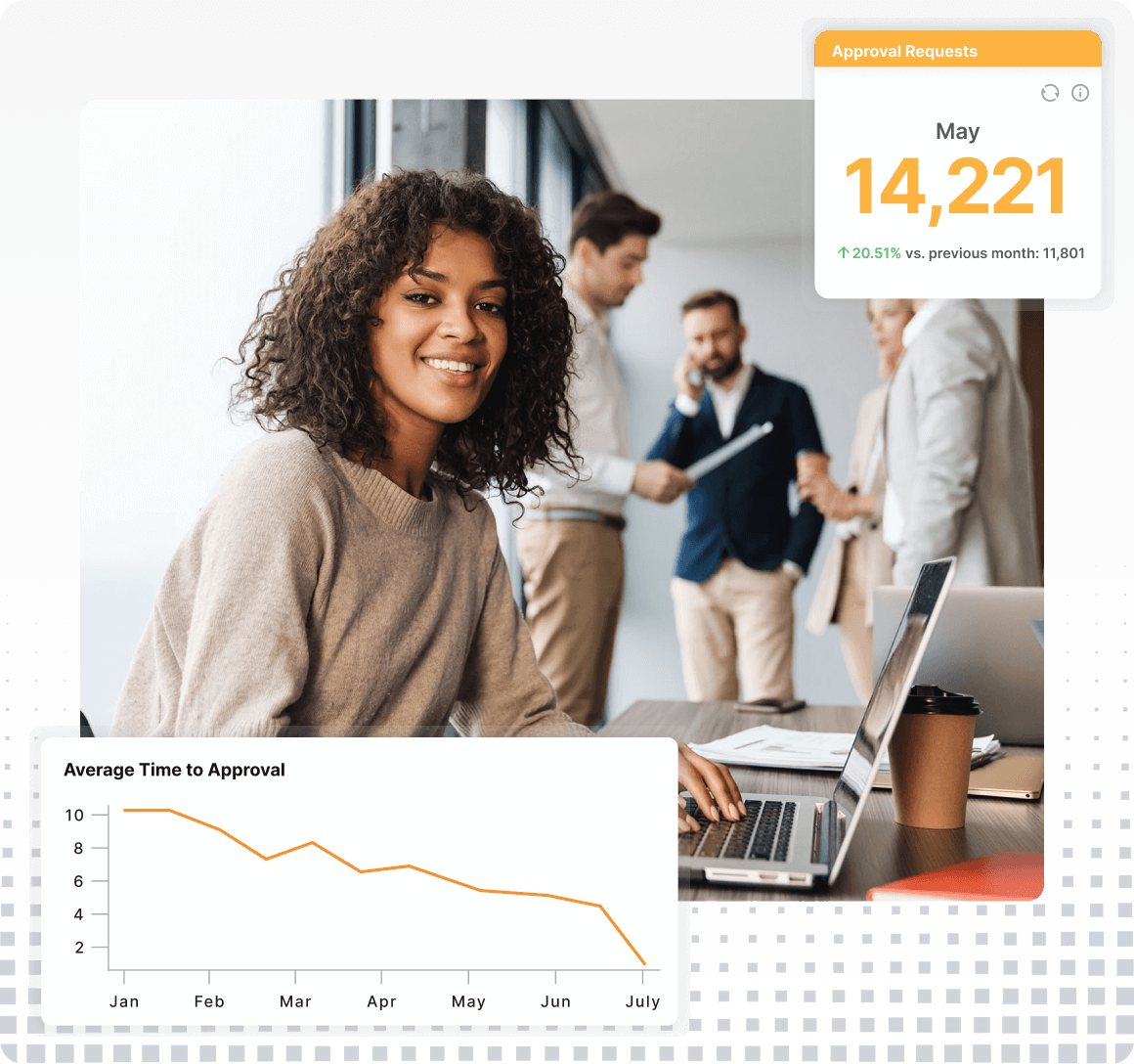
Build approval workflows that send content to the right people at the right stage. Monitor approval times to uncover bottlenecks, and keep a full record of every campaign and creative approval.


Simplify Legal Review
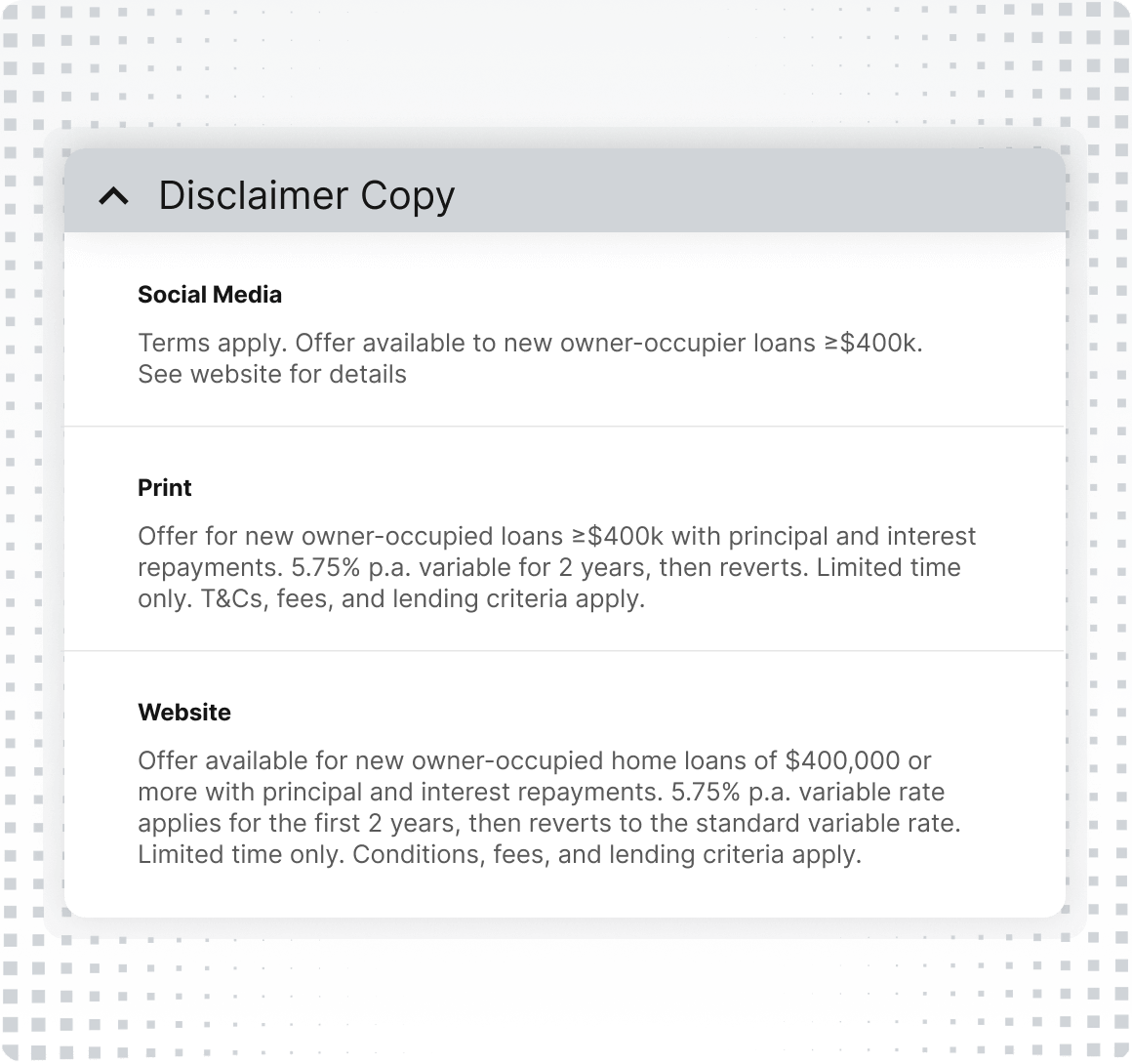
Build legal checklists, attestations and marketing risk assessments into your briefs, so risk is considered before work starts. Disclaimer engines generate legally approved disclaimers quickly, and every campaign and creative approval is recorded. AI legal rules automatically check content for legal breaches before the regulators do.
Let Teams Self-Serve with Creative Templates
Easy-to-use creative templates let teams customize approved designs within brand rules. Designers spend less time on small requests, and production timelines get shorter.


Keep Content On Brand
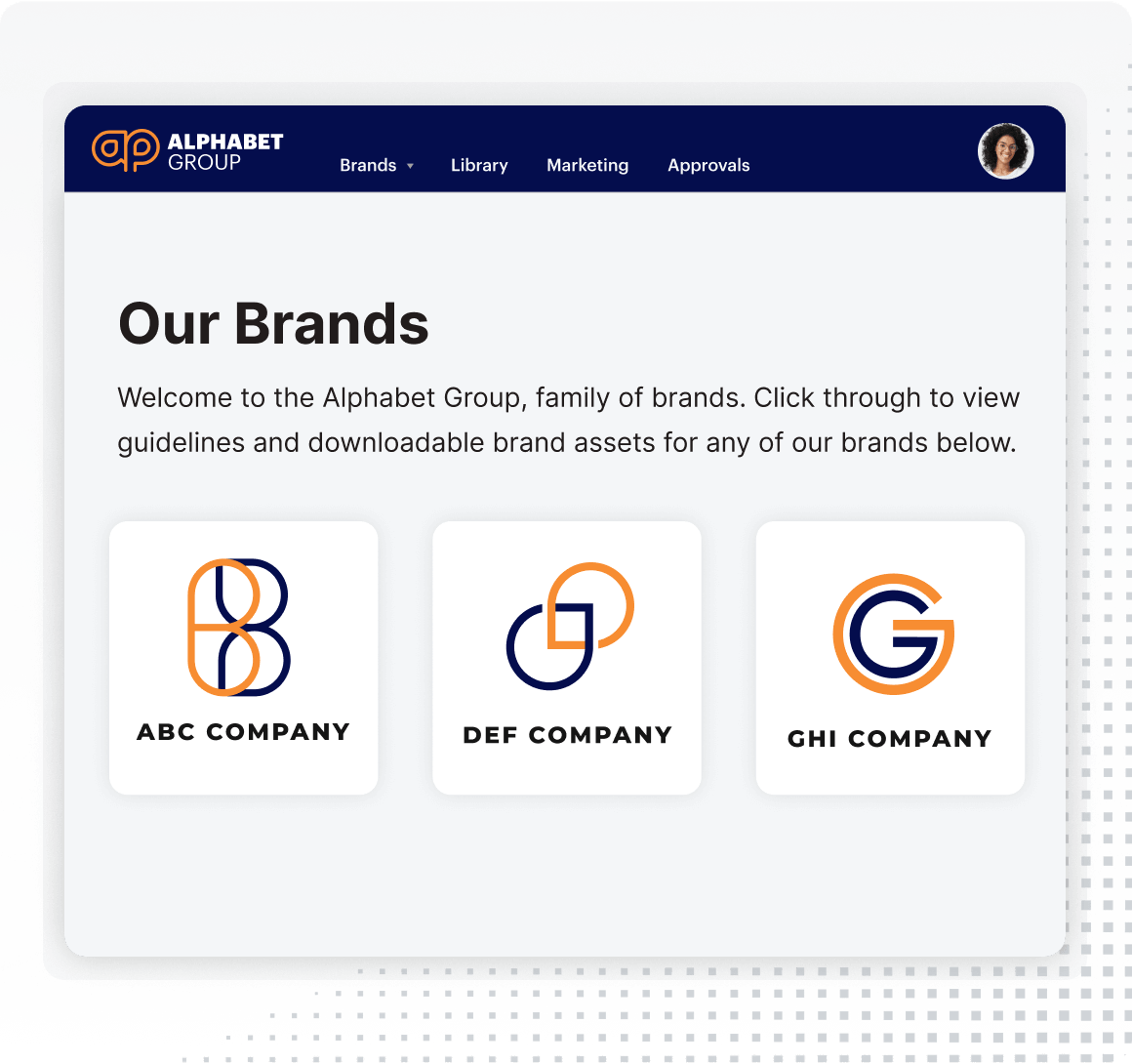
Online brand portals give marketers and agencies instant access to approved brand assets. You can restrict asset use to files that are brand-approved and have confirmed talent usage rights.
See Performance with Reporting and Dashboards
Track approvals, task throughput and team workload in one dashboard. See where work is slowing down and give marketing leaders the visibility they need to keep production on track.


Connect Plans to Approved Content
When work is approved, it moves straight into IntelligenceBank’s AI-powered digital asset management system, where you can search and distribute images, videos, audio, documents and web URLs. Every creative version is stored in one place for better record-keeping.
Marketing Resource Management for Every Team

Marketing Leaders

Creative Teams

Marketing Compliance Teams
Your Marketing Resource Management Questions Answered
What Is Marketing Resource Management Software?
Marketing resource management software helps teams plan, resource, approve and track marketing work in one place. It typically includes campaign calendars, request intake, task and workload management, approvals, AI content risk reviews and reporting.
What Is the Difference Between MRM and Marketing Workflow Software?
MRM focuses on planning and resourcing: what’s coming, who’s working on it and how the team is performing. Marketing workflow software focuses on moving each piece of content from brief to approval. IntelligenceBank includes both in one platform – some customers use all of the features, others use the platform for proofing, AI content reviews and approvals only.
What Is the Difference Between MRM and Project Management Tools?
General project management tools track tasks and deadlines for any type of work. MRM software is built for marketing, with creative briefs, approval workflows and connections to approved assets. IntelligenceBank connects with tools such as monday.com and Jira, so teams can keep existing project tools if they need to.
Who Uses Marketing Resource Management Software?
Marketing leaders use it to see capacity and performance, marketing operations teams use it to run intake and planning, and creative teams use it to manage requests and deadlines. It’s most useful for mid-size and enterprise teams handling high volumes of work.
Does IntelligenceBank Include Budgeting and Time Tracking?
IntelligenceBank supports budget sign-off as part of briefs and approvals, and focuses on planning, requests, workload and approved content. If detailed budgeting or time tracking across a whole organization is a core requirement, a dedicated work management platform may suit you better alongside IntelligenceBank.
Does IntelligenceBank Integrate with Other Tools?
Yes. IntelligenceBank connects with Figma, Canva, Adobe Creative Cloud apps, Microsoft Word, Salesforce, monday.com and Jira. IntelligenceBank also has an MCP server to integrate assets and AI content risk reviews into your AI assistants. See all IntelligenceBank integrations.
How Long Does It Take to Set Up?
It depends on the number of teams, workflows and integrations involved. Most teams start with priority request types and workflows, then expand to more brands and regions over time. A typical implementation is 6-10 weeks.
Digital Asset Management
AI helps you store, search and share approved content. One source of truth for everyone.
Marketing Compliance
AI flags compliance issues before they become problems. Reduce legal reviews from days to minutes
Marketing Workflows
Brief, create, review and approve. Every step tracked from brief to final sign-off.
BrandHub
Brand portals, guidelines and templates. Create on-brand content at scale.