Choosing a digital asset management (DAM) system comes down to three things: knowing what problem you’re solving, testing every vendor against the same criteria and seeing each platform work with your own content. Most DAM platforms store and share files well. The differences show up in search, permissions, workflows, integrations and how much support you get after launch.
This guide walks through how to define your requirements, compare vendors, run demos that reveal real differences and avoid the mistakes that lead teams to switch platforms a few years later. If you’re new to DAM, start with What Is Digital Asset Management?
Start with the Problem You’re Solving
Teams usually go looking for a DAM when something has broken. Files are spread across shared drives and inboxes. Agencies are using last year’s logo. Legal can’t see what was approved. Designers spend half their week answering file requests.
Write down the two or three problems that matter most before you look at a single vendor. They become the lens for every decision that follows. A team whose biggest issue is search needs different strengths from a team whose biggest issue is expired content still being used in market.
It also helps to agree who owns the decision. A DAM touches marketing, creative, brand, IT, legal and often sales, and each group will judge vendors differently. Bring one person from each into the evaluation early so requirements don’t change halfway through.
How to Choose a DAM System in 8 Steps
1. Map Your Content and Your Users
Start with an audit of what you have and who needs it. Note your main file types, rough library size, how fast it grows and where files live today. Then list every group that will use the DAM, including external agencies, partners, franchisees and regional teams.
This tells you how much storage you need, which file formats the platform must preview and how many permission levels you’ll need to manage.
2. Separate Must-Haves from Nice-to-Haves
Turn your problems into requirements, then split them into two lists. Must-haves are features you won’t buy without. Nice-to-haves are features that would help but aren’t deal breakers.
Keep the must-have list short. A list of 40 equally weighted requirements makes every vendor look the same on paper. Five to ten well-defined must-haves will separate them quickly.
3. Plan Your Metadata Before You Migrate
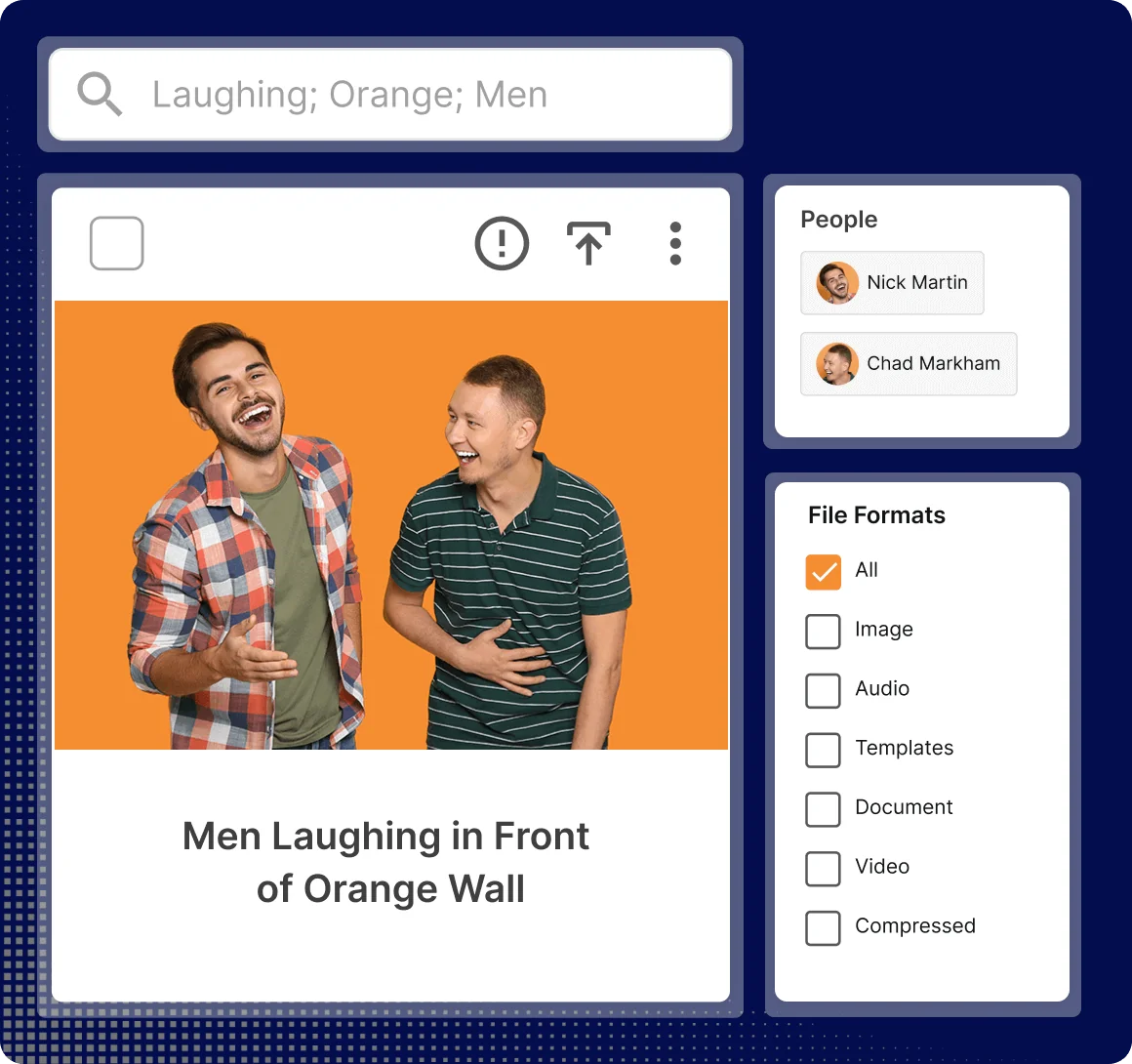
Metadata is what keeps a large library searchable. Decide which fields matter to your teams, such as product, campaign, region, owner and usage rights, before you choose a platform. Then check how each vendor handles custom fields, controlled vocabularies, bulk editing and AI tagging.
Our guide to metadata for digital asset management covers how to structure it.
4. List the Systems the DAM Needs to Connect To
A DAM works best when files move between systems without manual downloads and uploads. List the tools your teams already use, such as Adobe Creative Cloud, Figma, Canva, Microsoft Office, your CMS, CRM, AI assistants via MCP and project management tools.
For each one, ask vendors whether the integration is native, built through an API or handled by a third-party connector. Native integrations are usually faster to set up and easier to maintain.
5. Check Governance, Rights and Compliance Needs
Storage is only part of the job. If you manage licensed imagery, talent agreements or time-limited offers, you need usage rights and expiry dates stored against each file, with alerts before content expires.
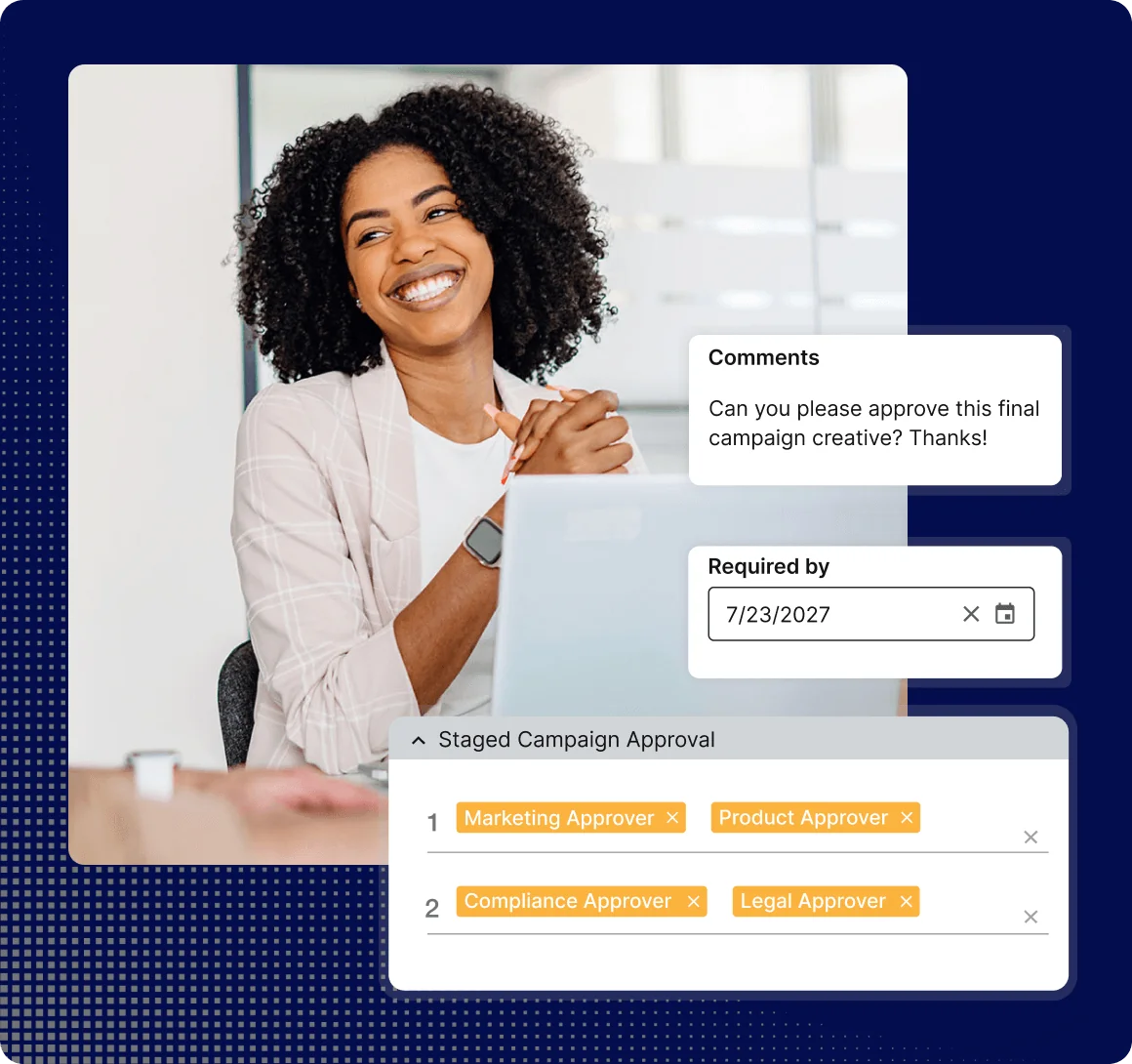
If you work in a regulated industry such as banking, insurance or healthcare, ask whether the platform supports approval workflows, audit trails and compliance checks, or whether you’ll need separate tools for those.
6. Review Security and Hosting
Ask where your data is stored, how access is controlled and which security standards the vendor meets. Common requirements include single sign-on (SSO), two-factor authentication, role-based permissions, audit logs and certifications such as ISO 27001 or SOC 2. Ask whether the data you store is used to train AI models.
Involve IT early. Security reviews can add weeks to a buying process if they start late.
7. Shortlist Vendors and Run a Structured Demo
Shortlist three to five vendors that meet your must-haves. Independent review sites such as G2 are useful here, because they show how real users rate each platform on ease of use, support and specific features.
Then ask each vendor to demo with your own files and your real approval process, not a polished sample library. Give every vendor the same script of tasks, such as finding a specific asset, sharing a collection with an agency and routing a file for approval. Have the people who will use the DAM day to day score each demo.
8. Understand Pricing, Implementation and Support
Most enterprise DAM platforms use quote-based pricing that depends on users, storage and modules. Ask what’s included in the base price and what costs extra as your library and user count grow.
Ask how long implementation usually takes, who does the setup work and what support looks like after launch. Our guide to rolling out DAM software covers migration and launch in detail.
DAM Evaluation Criteria
Use these criteria to compare vendors side by side. Weight each one based on the problems you identified at the start.
| Criteria | What to check | Why it matters |
|---|---|---|
| Search and findability | AI tagging, custom metadata, filters and saved searches | Users stop using a DAM they can't search |
| Permissions | User, role and group access, including external users | Agencies and partners need some content and not the rest |
| Version control | One approved master with full history | Stops outdated files going back into market |
| Rights and expiry | Usage terms, review dates and expiry alerts | Reduces legal risk from licensed and time-limited content |
| Workflows and approvals | Briefs, proofing and approval routing | Keeps review in the same place as the assets |
| Integrations | Native connectors to creative, CMS, AI assistants and marketing project management tools | Removes manual download and upload steps |
| Sharing and distribution | Collections, brand portals and CDN links | Gets approved content to every channel and partner |
| Security | SSO, two-factor authentication, audit logs and certifications | Meets IT and procurement requirements |
| Reporting | Downloads, usage and expiring assets | Shows adoption and return on investment |
| Support | Onboarding, account management and ongoing help | Determines how quickly teams adopt the platform |
Which Type of DAM Do You Need?
DAM platforms fall into a few broad types. Knowing which one fits narrows your shortlist fast.
| Type | Best for | Watch out for |
|---|---|---|
| Standalone DAM | Teams that mainly need to store, search and share assets | Approvals and compliance may need separate tools |
| DAM within a marketing operations platform | Teams that want assets, workflows, approvals and compliance in one place | More modules to configure at setup |
| Enterprise content platform | Large organizations managing web, product and asset content together | Longer implementation and higher cost |
| Cloud storage | Small teams sharing mostly internal documents | Limited metadata, rights tracking and approvals |
We compare these in more detail in our guide to the different types of DAM systems.
Questions to Ask DAM Vendors
Use these questions in demos and in your request for proposal (RFP).
- Can you show this working with our own files and approval process?
- How does search work, and how much of the tagging is automated?
- How are permissions set for external agencies and partners?
- Which integrations are native, and which need custom work?
- How are usage rights, expiry dates and release forms tracked?
- Can content be routed for review and approval inside the platform?
- What security certifications do you hold, and where is our data hosted?
- Is our data used to train AI models?
- What’s included in the price, and what costs extra as we grow?
- Who does the implementation work, and how long does it usually take?
- What does support look like after launch?
To make this easier, download our free DAM RFP template.
Common Mistakes When Choosing a DAM
- Buying on features alone: A long feature list doesn’t help if your team finds the platform hard to use. Weight usability and support as heavily as features.
- Skipping the metadata plan: Migrating files without agreed metadata moves the mess from shared drives into the DAM.
- Demoing with sample content: Vendor demo libraries are built to look good. Your own files show how the platform really performs.
- Leaving out key teams: If legal, IT or regional teams aren’t involved early, they’ll raise blockers late in the process.
- Ignoring total cost: Add-on modules, extra storage and user tiers can change the price significantly after year one.
- Underestimating change management: A DAM only works if people use it. Plan training and a clear launch for every team.
Compare DAM Vendors Side by Side
The G2 DAM Vendor Comparison Report shows how real users rate the main DAM platforms on ease of use, support and core features, so you can check your shortlist against independent feedback.
How IntelligenceBank Fits
IntelligenceBank DAM suits mid-size and enterprise teams that need more than file storage. Digital asset management, marketing workflows, brand portals and AI compliance reviews sit in one platform, so content moves from brief to approved asset without switching tools. It’s built for organizations where content passes through several teams before it goes live, or where regulators care about what it says.
How to Choose a DAM System FAQs
What Is the Most Important Factor When Choosing a DAM?
The most important factor is fit with the problem you’re solving. For most teams that means search and ease of use, because a DAM only delivers value if people use it. For regulated teams, governance and approvals usually matter just as much.
How Many DAM Vendors Should I Shortlist?
Three to five is usually enough. Fewer limits your comparison, and more makes it hard to run consistent demos with the same tasks and the same reviewers.
How Much Does a DAM System Cost?
DAM pricing depends on your number of users, storage needs and the modules you choose. Most enterprise platforms use quote-based pricing. Ask each vendor for a breakdown of what’s included and what costs extra as you grow. See IntelligenceBank pricing for details.
What’s the Difference Between a DAM and Cloud Storage?
Cloud storage is built for general file syncing and sharing. A DAM adds structured metadata, version control, usage rights, permissions for external users and often approval workflows. If you manage high volumes of visual content or work with agencies and partners, a DAM is usually the better fit.
Should I Use an RFP to Choose a DAM?
An RFP helps when several stakeholders are involved or when procurement requires a formal process. It makes sure every vendor answers the same questions, which makes comparison easier. Our free DAM RFP template includes the key questions to ask.
How Long Does DAM Implementation Take?
It depends on library size, the amount of metadata to migrate and the number of integrations. Smaller rollouts can go live in weeks, while larger enterprise projects often run in phases. Our guide to rolling out DAM software covers what to expect.